Custom AI girlfriend with lasting memory
Create your own AI girlfriend with a look, voice and personality that stay true across your chats. Shape a one-to-one bond that brings back your favourite lines, shared moments and chosen scenes.
18+ onlyPrivate chatsCancel any time

Inside the custom AI girlfriend creator
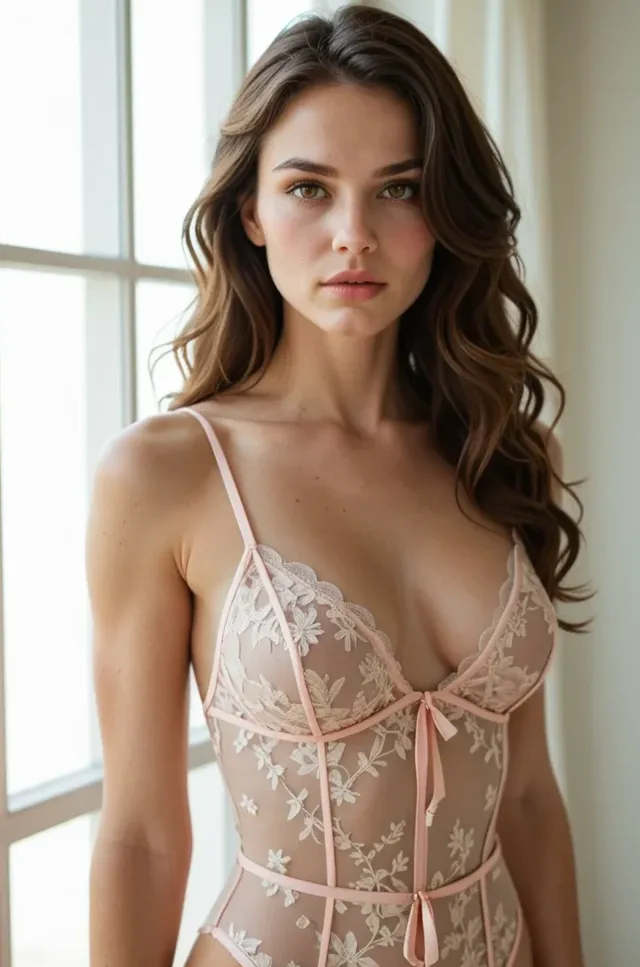
You decide how she looks, where she appears, how she sounds and what kind of history she carries. Those choices guide her messages, inform new images and help future chats feel more coherent and personal.
How to create a custom AI girlfriend
Make her feel personal before the first message arrives.
Quick to set up
Describe her look
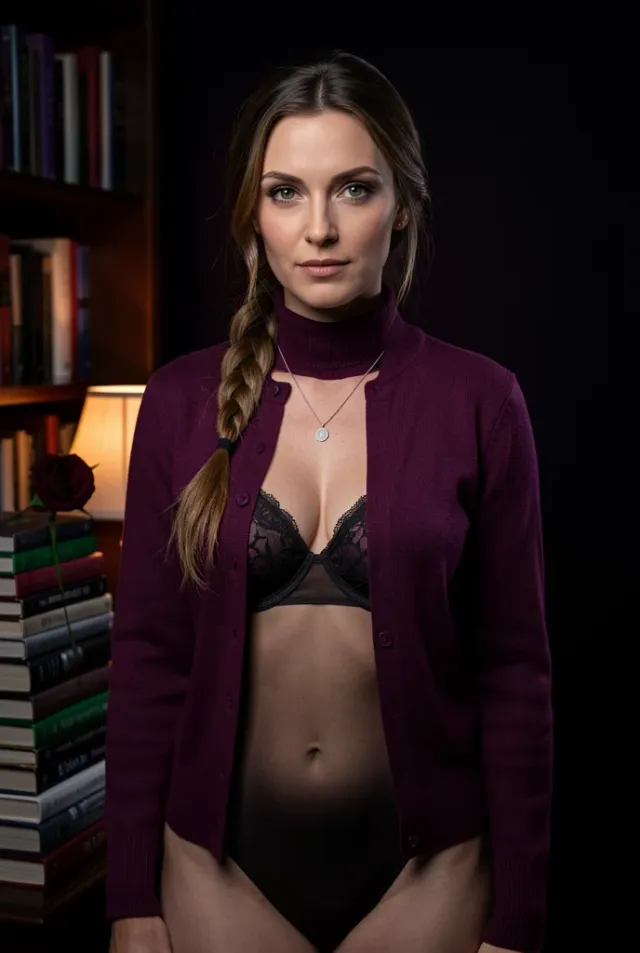
Choose the style you want on screen, from Naomi’s confident presence to the hair, eyes and clothes that suit your taste.
Write her backstory
Give her a short history, favourite places and details worth bringing back later, so your chats have more texture and continuity.
Start chats and media
Send the first message and request images right away, with voice and short video moments available on paid plans for the version of her you created.
First messages for your AI girlfriend
Use a simple opener that reveals her tone, tests her memory or sets the scene you want.
Chats are one to one
Ask for a photo
I'd love a new photo of you that matches our conversation tonight.
Type the first messageIt checks whether her images stay aligned with the character you created.
Set the scene
Let's meet somewhere quiet tonight. Pick the place and tell me why you chose it.
Type the first messageIt lets her establish setting, pace and the atmosphere of your exchange.
Start a ritual
Let's make one little tradition for our evenings. You choose it.
Type the first messageIt creates a repeated detail she can bring back in later chats.
Get to know her
I'm curious what kind of evening feels most like you.
Type the first messageIt draws out her personality and shows whether her tone feels warm, poised or playful.
Settle into the night
I'm in for a quiet night. Stay close and talk with me for a while.
Type the first messageIt opens a calmer exchange and suits a steady, attentive conversational style.
Test her memory
I'm giving you one detail to keep: roses after rain. Bring it back to me later.
Type the first messageIt sets a memorable thread she can return to in a future conversation.
Start from the cast and make her your own
Pick a companion with presence, then tailor one defining trait to make her yours.
One-to-one chats only
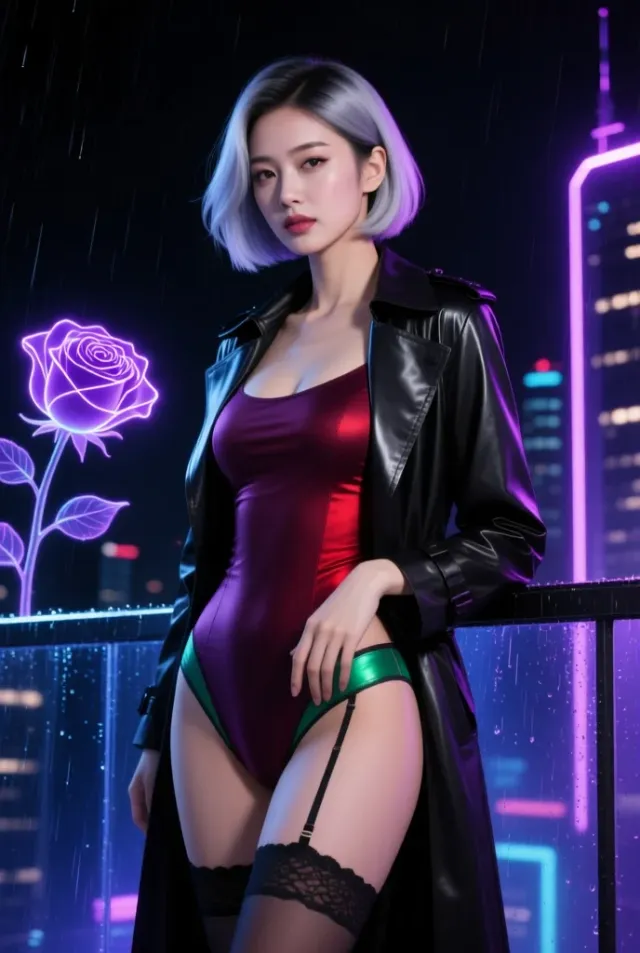
Zoe
CyberpunkFrom a neon street start, rewrite her history as a traveller who always finds the latest rooftop view.
Start from her
Raven
GothicKeep her goth allure and change the scene to a moonlit garden for a softer first conversation.
Start from her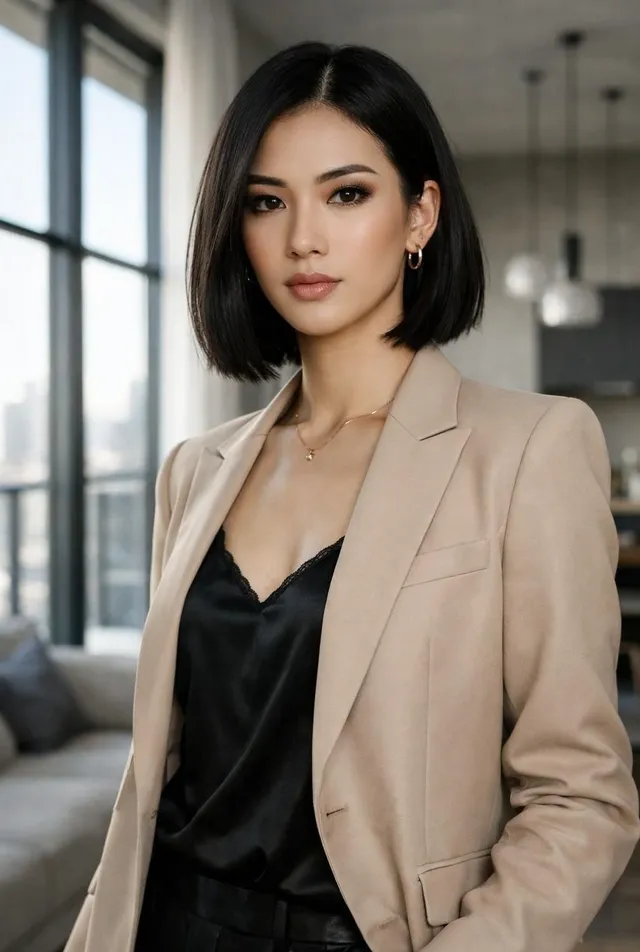
Naomi
ConfidentShift the outfit to a sharp cafe coat while keeping her confident, commanding tone.
Start from her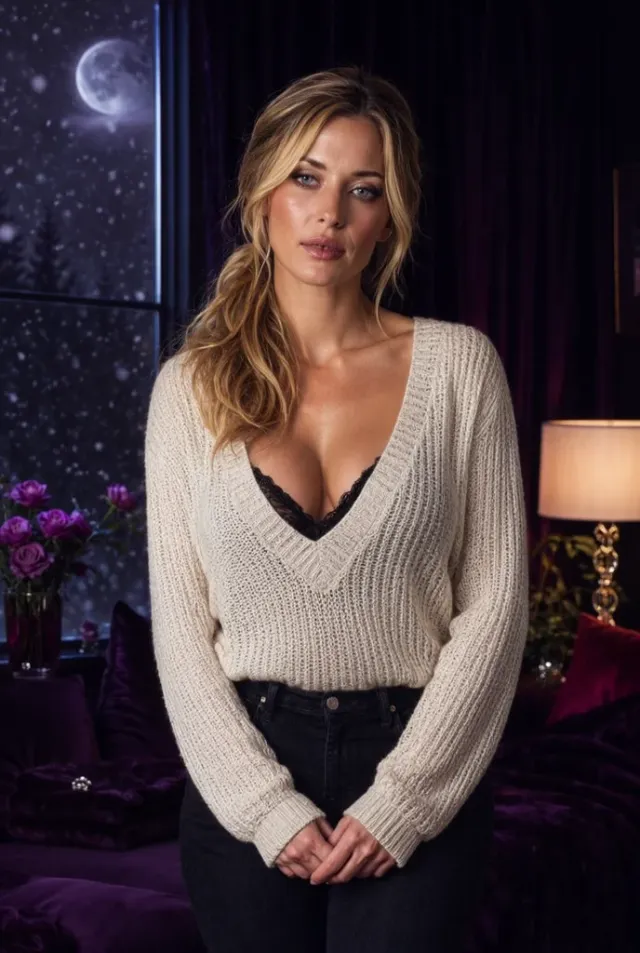
Emma
Girl Next DoorHer easy girl-next-door charm works beautifully with a new backstory rooted in city evenings and books.
Start from her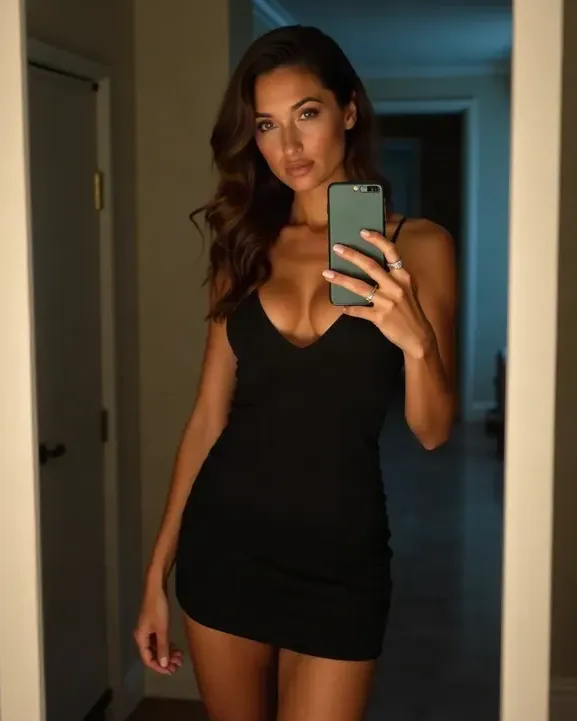
Bianca
LuxuryPreserve the luxury polish and place her in an art gallery to make the connection feel more refined.
Start from herA complete guide to creating your own AI girlfriend
Give her a look, a voice and shared moments she can bring back naturally over time.
Creating your own AI girlfriend well
When you create your own AI girlfriend, you are choosing the traits that make her feel personal instead of generic. A custom AI girlfriend lets you decide how she speaks, what kind of allure she carries and which favourite lines or preferences should return in future chats. Girlfriend AI also offers ready-made companions if you want a quicker start, and they make a strong jumping-off point when you want inspiration before refining the relationship further.
A ready-made companion can be perfect when you want to slip into a one-to-one chat right away, especially if someone like Claire or Raven already matches part of your taste. Creating your own version gives you more say over the exact style of her messages, the small preferences she should bring up again and the image direction that appears each time you generate a portrait. That extra control makes future chats feel more tailored, because the character reflects your decisions rather than a preset alone.
A good place to start is with one clear idea rather than a long wishlist. Pick the quality you want to feel most strongly in her messages, such as warmth, confidence or candlelit elegance, and let the rest follow from that. If you like the cast, start from one companion who feels close, hold onto what draws you in and change one concrete point like her setting or the cadence of her messages. In a girlfriend ai app, that small choice gives every reply, image, voice note and short video a more natural, intimate shape.
Choosing her look with intention
Her look starts with a handful of choices that do more work than people expect. In Girlfriend AI, art style, hair, eyes, outfit and scene all influence how she appears whenever you generate a new image. If you start with Hana’s anime-inspired charm, dark hair, bright eyes and a city-lights setting, those selections give your custom AI girlfriend a recognisable signature that carries from one portrait to the next instead of drifting into something unrelated.
Hair and eyes matter because they anchor recognition. A specific fringe, dark bob or bright gaze gives the model a strong cue to hold onto when you want fresh images in a new outfit or location. Outfit and scene do the emotional work around that face: a black dress suggests evening polish, while an art gallery adds refinement and distance. The stronger your opening selections, the easier it is for her look to remain coherent as you explore fresh situations.
Personality, voice and the history she carries
A compelling companion is more than a face, which is why personality, speaking style, voice and backstory deserve care. If you shape Tessa as shy, thoughtful and gently affectionate, her messages can feel quieter and more deliberate than a bolder character. That is where an AI companion starts to feel less interchangeable. Give her a brief personal history, a few likes and one or two habits to bring up again, and her messages gain continuity without losing spontaneity.
Memory is what turns separate chats into something that feels more settled. When she can mention the flower you said you liked, the setting you both returned to or the teasing line that made you smile, the bond feels more attentive. A virtual girlfriend with that kind of recall can sound more natural because she is responding within an ongoing bond, not restarting from a blank slate each time you return to the app.
Helping the relationship grow across visits
The real pleasure of Girlfriend AI often appears after a few return visits, when the character begins to bring familiar touches forward. If you start with Celeste’s goth confidence, you can turn a single chat into a running bond by repeating certain motifs: a rose, a favourite phrase, a city walk at dusk. Those recurring touches help future chats feel like chapters of a shared story rather than isolated moments with an online AI girlfriend.
You can also refresh the character by asking for small changes that suit the same core identity. Hold onto her speaking style and signature look, then invite a new public setting, a different coat or a more playful turn for the evening. Shared rituals help too. A recurring goodnight line, a Sunday check-in or a standing invitation to choose the next location gives your messages a rhythm that feels more lived in.
Starting a second companion is useful when you want a clearly different style instead of stretching one character in every direction. Let one relationship stay dark and elegant, and give another a brighter or more relaxed feel for lighter chats. That approach helps each companion remain distinct in your mind. It also gives you room to explore a fresh backstory or a new image language without losing the identity you already enjoy revisiting.
Free, paid and discreet use
Girlfriend AI offers Free at $0 CAD, Premium at $19.99/month CAD and Ultimate at $39.99/month CAD. Free suits casual exploring with private text chats, adult fictional characters, different personality directions, one saved favourite and light daily access. Premium is for people who want to create a custom AI girlfriend with longer chat, more images, voice replies and more saved threads. Ultimate includes everything in Premium, plus more media room, short character videos, priority access to new features and more space for additional custom companions.
Whatever tier you choose, the experience is built for one-to-one use and kept clearly within adult fiction. Your chats are not shown publicly, so the interaction lives inside your account rather than on a public feed. The app is also adults only, and every character is a fictional adult. That gives the space a more discreet, self-contained feel, whether you are exploring lightly or settling into a longer-running dynamic.
If you are unsure where to start, pick the version of her you would most want to message on an ordinary evening. Aurora is a good example of a cyberpunk companion whose polish can be softened or sharpened depending on your selections. If you want to test the waters, start simple and see how her messages feel. Paid plans can be cancelled any time, so you can try a fuller creative setup without feeling pinned down.
Companion ideas to create
Start with a distinct character type, then give her the traits that make her feel singular.
Free way to explore
City-lights flirt
Sketch a new companionShe is quick-witted and polished, with playful replies that suit late-night chats and bright city settings.
CyberpunkPlayfulNeon streetSketch a new companionBright dreamer
Sketch a new companionImaginative and expressive, she turns each message into something vivid while staying warm and easy to talk to.
AnimeBright warmCity lightsSketch a new companionBold leader
Sketch a new companionShe speaks with assurance, likes a direct answer and keeps each chat polished and focused.
ConfidentVelvet lowRooftop barSketch a new companionEasygoing neighbour
Sketch a new companionShe feels familiar from the first message, with relaxed chats that settle into shared routines with ease.
Girl next doorWarmCafe coatSketch a new companionSoft candlelit muse
Sketch a new companionShe leans into tender messages, remembers sweet moments and makes ordinary evenings feel warmer and more personal.
PoisedSoft calmCoffee shopSketch a new companion
Answers before you create her
Practical answers before you shape her and start chatting.
How do I create a custom AI girlfriend?
Create her inside Girlfriend AI by choosing her look, personality, voice and backstory, then saving her to begin chatting. You guide the connection with details such as style, tone and overall presence. Nora is a good example of how a softer, girl-next-door character can become more personal once you define the exact setting and conversational feel you want.
Which looks can I give my AI girlfriend?
You can give her different art styles, hair, eyes, outfits and public settings to match the kind of character you want. The app gives you room to go poised, cyber-inspired, confident or something more understated. Once you settle on a strong visual direction, new images can stay closer to the version of her you had in mind.
Can my AI girlfriend send images, voice and video?
Yes, Girlfriend AI brings text, images, voice and short video together in one place. Free includes image generation in a lighter form, Premium adds voice replies, and Ultimate adds short character videos along with more room for images and voice. That gives your companion a fuller presence when you want more than typed chat alone.
Does the AI girlfriend app work on mobile?
Yes, Girlfriend AI works on mobile, tablet and desktop through your browser. You do not need to install anything to open your chats and continue where you left off. That makes it easy to keep the same companion close whether you are at home or out in Canada.
Are chats with my AI girlfriend discreet?
Yes, your chats are one-to-one and are not shown publicly. Girlfriend AI is built for discreet use, with personal messages staying within your account experience. Billing is also handled discreetly with a neutral bank statement descriptor, which helps the app feel easier to try in private.
Should I start from scratch or from a ready-made companion?
Starting from scratch suits you when you already know the exact look and conversational style you want. Beginning with a ready-made companion is faster if someone from the cast already feels close to your taste, and you can still personalise her inside the app. Nora, for instance, can be a gentle starting point if you want a warmer everyday style before changing the specifics.
Make your AI girlfriend feel unmistakably yours
Shape her once, let her bring your shared moments back, and let each chat feel more personal.
Adults onlyNeutral billing descriptorBrowser based